Gandrex ScenePanel Smart Wall Controller
Gandrex ScenePanel Smart Wall Controller
Couldn't load pickup availability

Gandrex ScenePanel Smart Wall Controller
✦ Bring Everyday Home Control Into One Clean Space
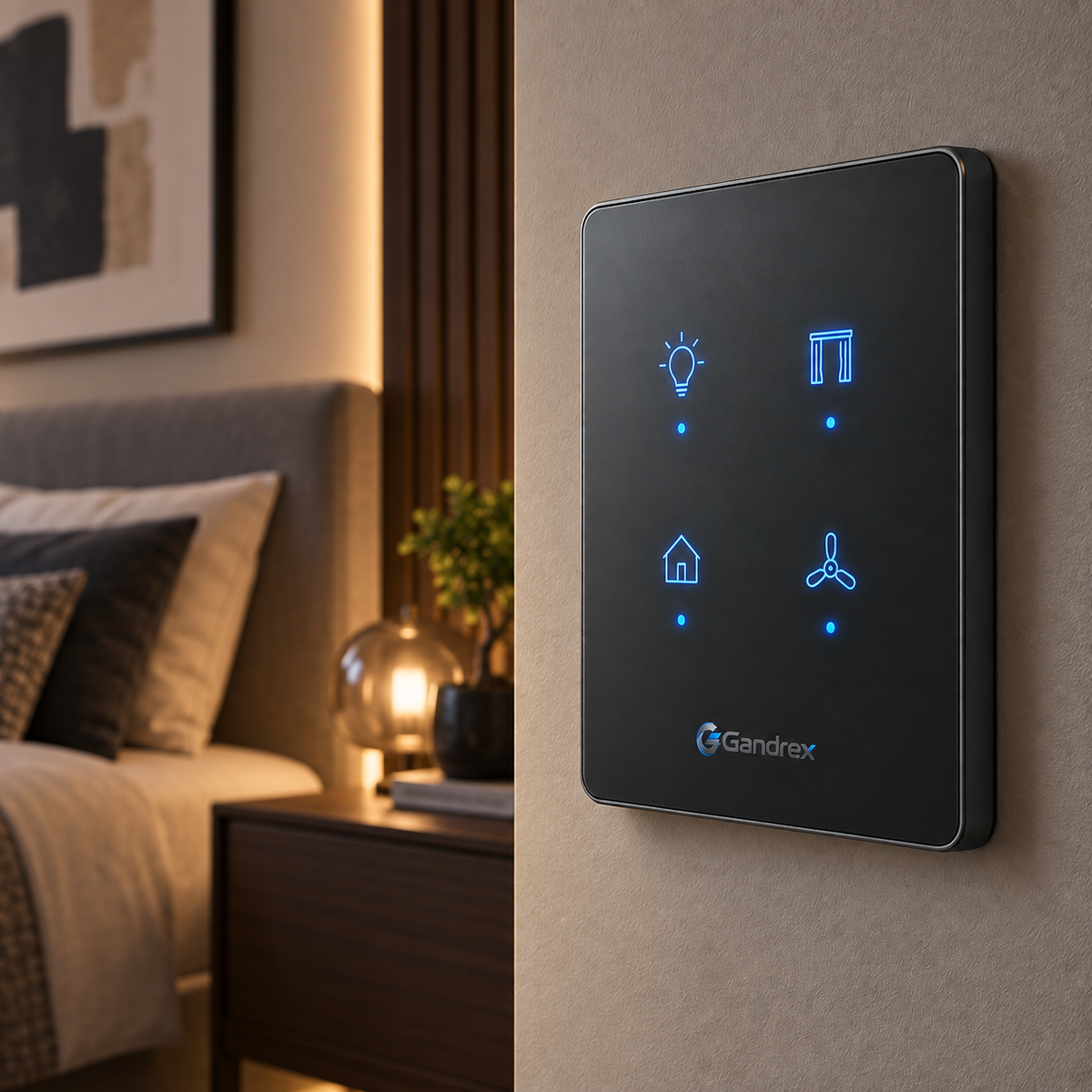
Create a more organized way to manage your connected living environment with the Gandrex ScenePanel Smart Wall Controller. Its slim graphite surface, illuminated touch icons, and understated wall-mounted design bring a more architectural approach to everyday home control.
Designed for bedrooms, living rooms, entryways, and other frequently used spaces, ScenePanel places multiple household controls within easy reach while maintaining a clean, modern visual presence.
🏠 One Panel for Everyday Home Control
The illuminated touch interface is designed to provide quick access to multiple connected functions from one wall-mounted control point.
Clearly separated icons help make common actions easier to identify at a glance, while the flat profile keeps the panel visually integrated with the surrounding wall.
✨ Why You’ll Love It
✓ Multi-Function Touch Layout — Designed to organize several compatible household controls within one interface.
✓ Illuminated Control Icons — Makes individual functions easier to identify in different lighting conditions.
✓ Wall-Mounted Design — Keeps frequently used controls in a consistent, easy-to-reach location.
✓ Clean Graphite Surface — Adds a refined, contemporary detail to modern interiors.
✓ Minimal Visual Footprint — Replaces scattered controls with a more organized wall-based solution.
✓ Gandrex Signature Design — Finished with the Gandrex brand mark for a cohesive Smart Control aesthetic.
♡ Make the Home Feel More Intuitive
Good home control should feel like part of the space, not another piece of clutter.
Place the Gandrex ScenePanel in a bedroom, living area, or entryway to create a central point for compatible everyday functions while keeping the surrounding interior calm and visually consistent.
✦ How to Use
① Install the panel according to the included mounting and electrical instructions.
② Confirm that all intended connected devices are compatible before setup.
③ Activate the panel and configure each available control according to the product instructions.
④ Use the illuminated touch icons to access the assigned functions.
⑤ Review connected-device settings periodically and adjust them as your space or routine changes.
✨ One Touch. A More Connected Home.
Bring cleaner control and a more unified smart-home experience together with the Gandrex ScenePanel Smart Wall Controller.
Professional installation may be required depending on the electrical configuration. Use indoors only and only with compatible systems and rated electrical connections. Disconnect power before installation or servicing and follow all included installation, compatibility, and safety instructions.